Body
How to Access the Emergency Fund Application
Made by Gaya Lasam with Scribe
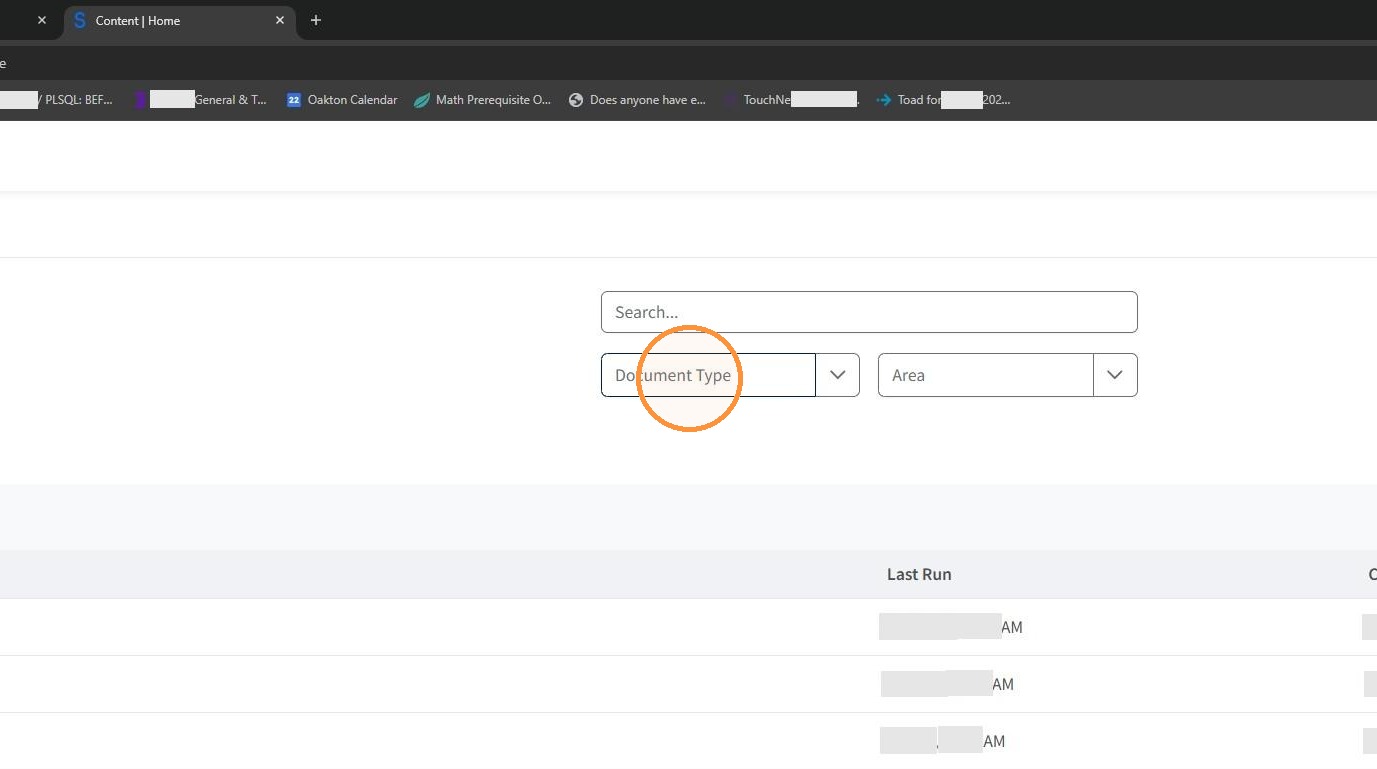
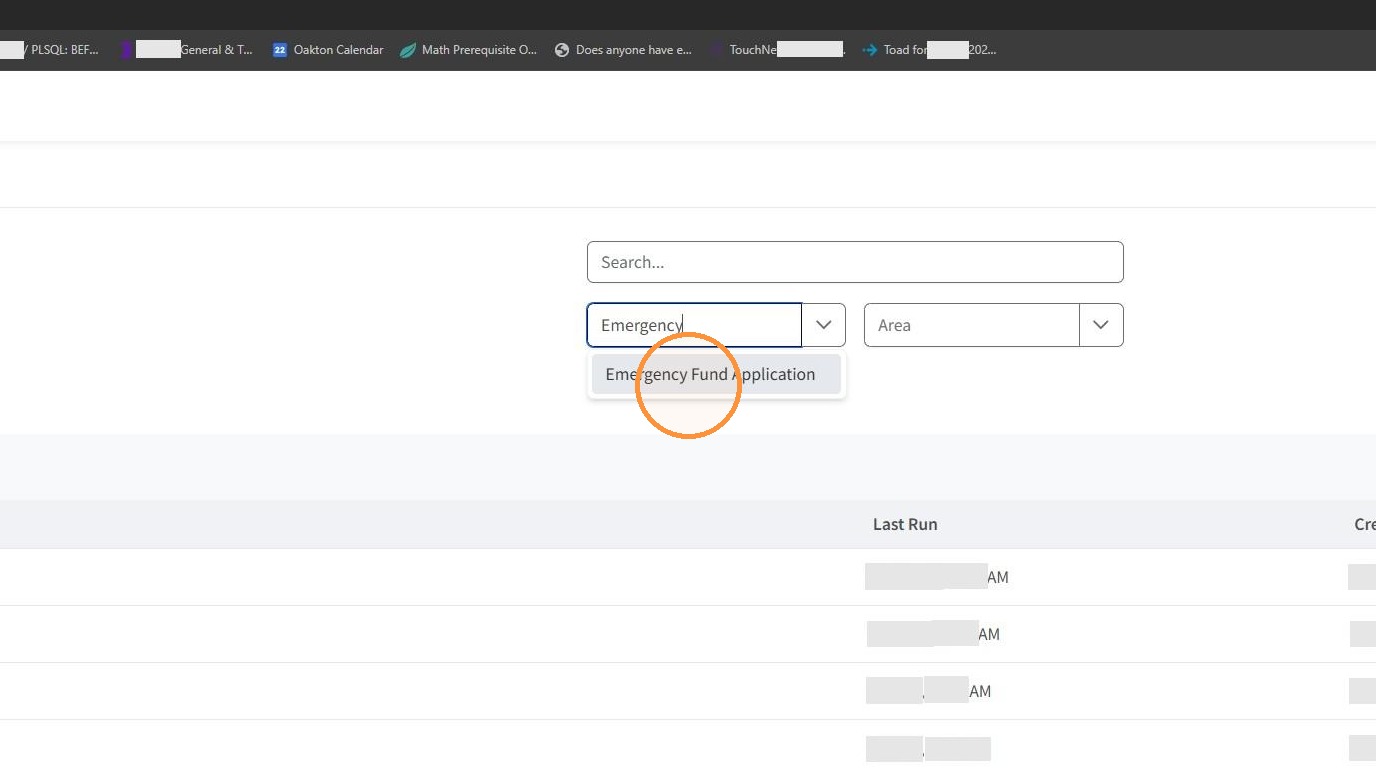
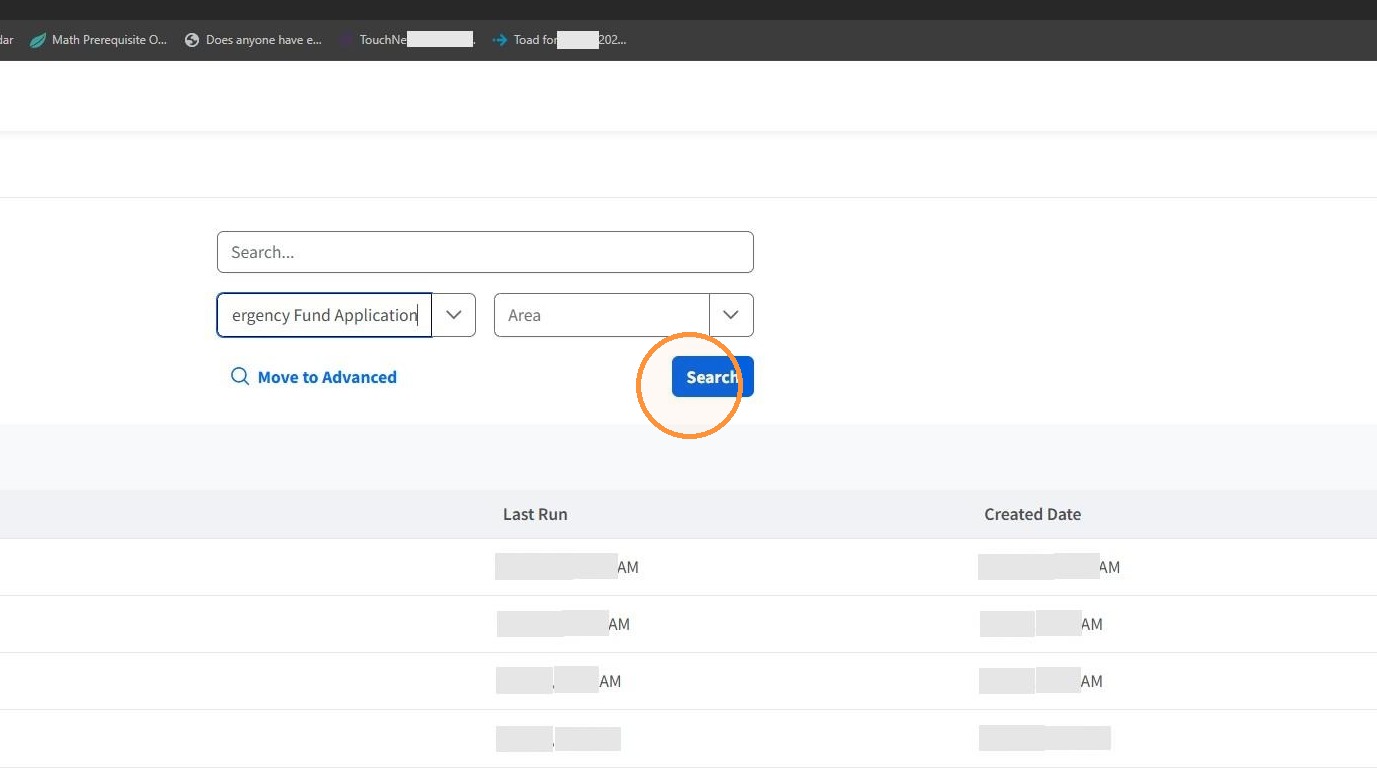
Learn how to quickly locate and open the emergency fund application within the document repository. This guide provides a straightforward path to help you find the necessary forms for your submission.
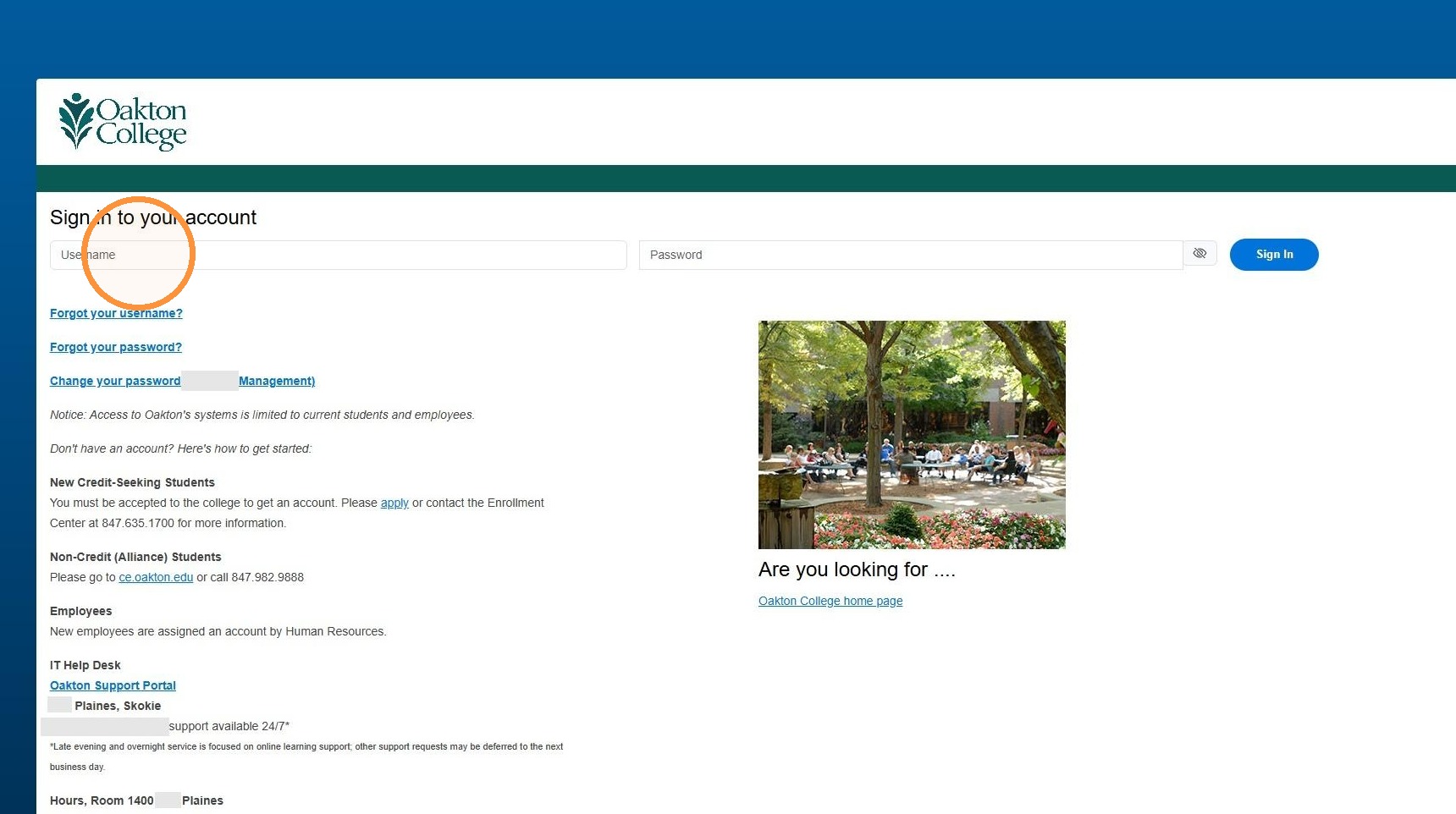
Account Sign-In
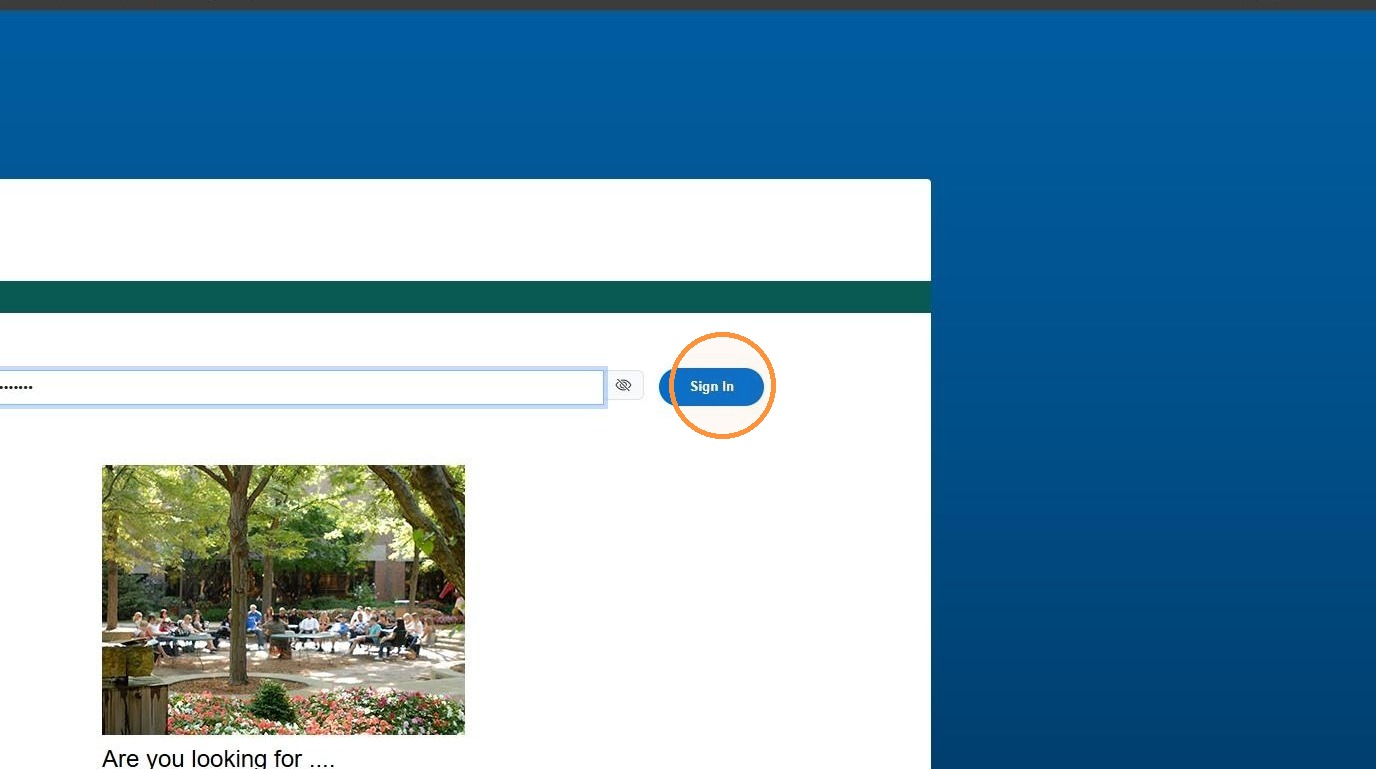
Document Repository
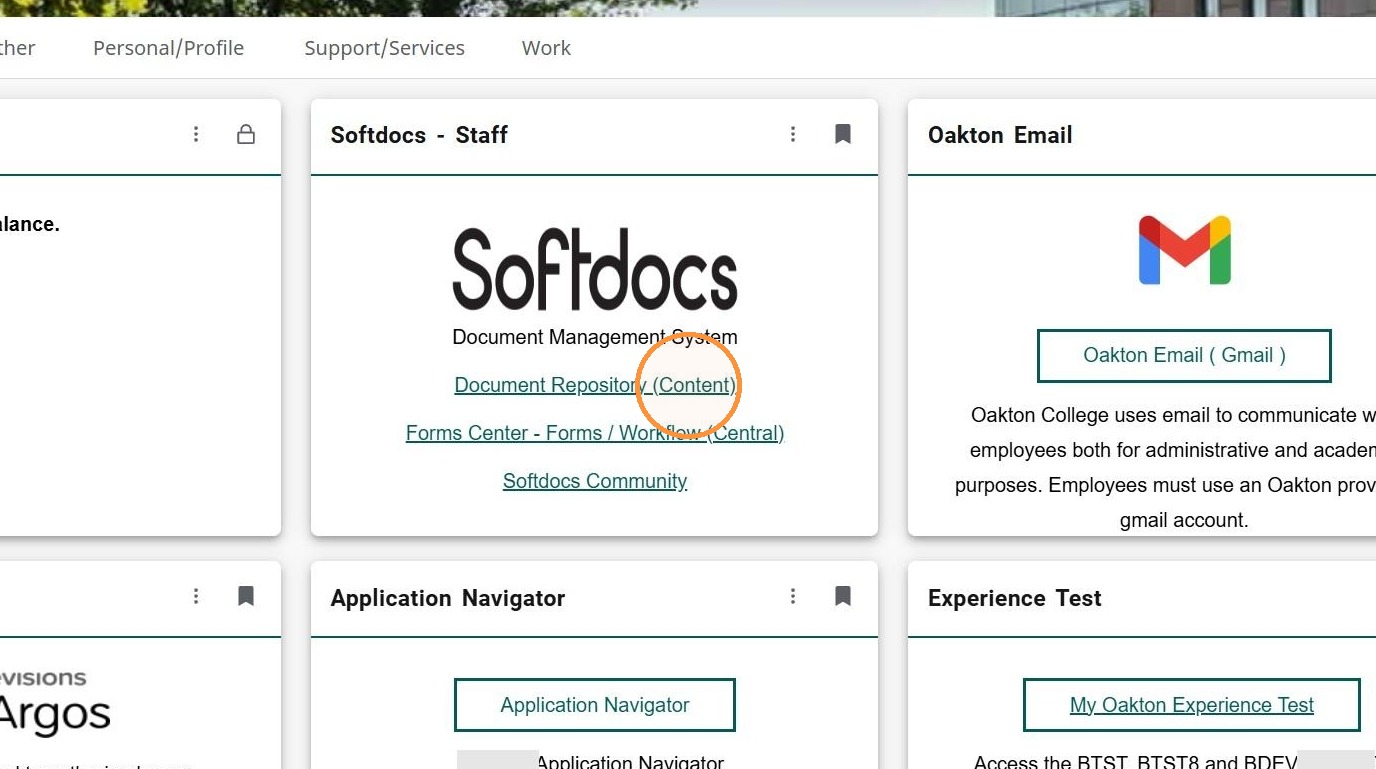
Tip: If you don't see the Softdocs Experience Card, click on the "View all cards" and search for "Softdocs".
3. Click "Document Repository (Content)"
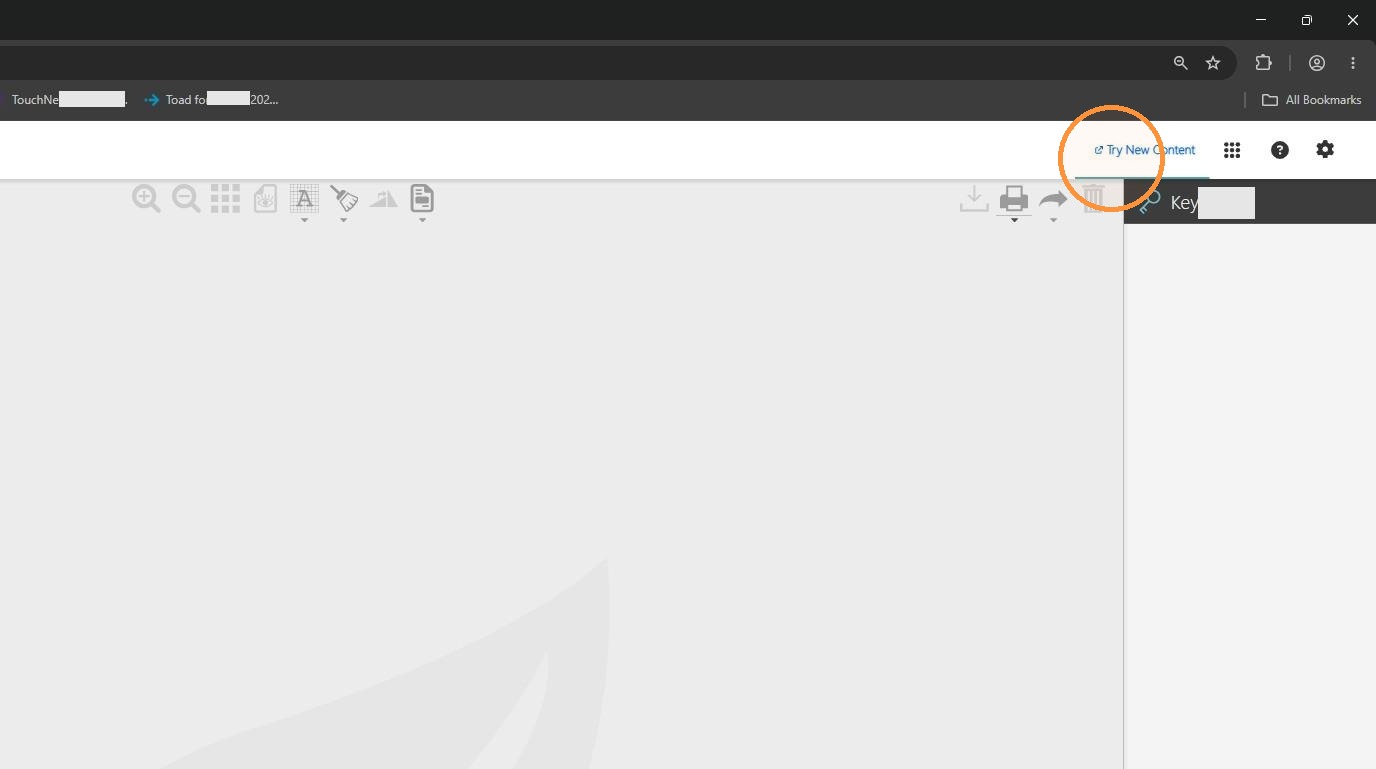
4. Click "Try New Content"
Document Search
5. Select Emergency Fund Application as the document type.